
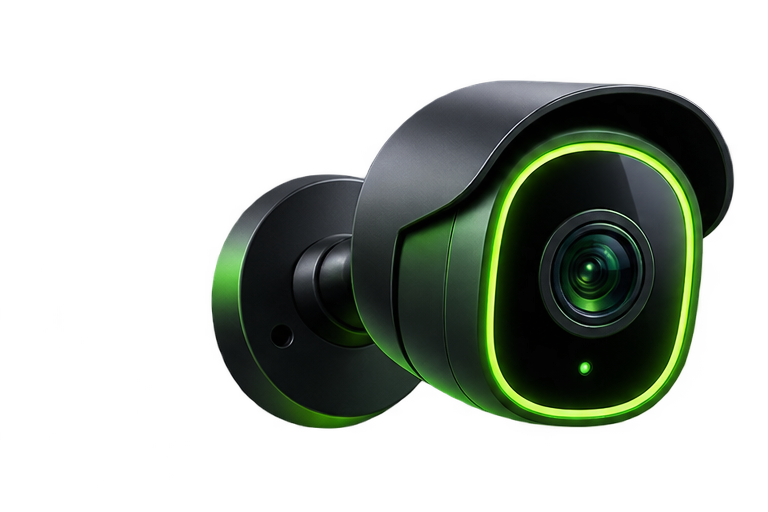
“Wireless” can describe the data connection, the power source, or both. A Wi-Fi camera may still need an outlet. A battery camera avoids a power cable but needs charging. A Power over Ethernet (PoE) camera uses an Ethernet cable for both power and data when connected to compatible equipment. Compare these differences before focusing on resolution or app features.
Compare the three common setups
| Camera type | Power and connection | Best fit | Main tradeoff |
|---|---|---|---|
| Battery Wi-Fi | Rechargeable or replaceable battery; Wi-Fi | Places where running a cable is difficult | Charging and model-dependent recording limits |
| Plug-in Wi-Fi | Power cable; Wi-Fi | Areas near a safe, suitable outlet | Still depends on wireless coverage |
| PoE | Ethernet cable and compatible PoE supply | Homes where cable runs are practical | More planning and installation work |
Choose recording behavior before choosing a camera
If you need a continuous timeline, verify that the exact model and storage plan support continuous recording. Many battery cameras record motion events to conserve energy. An advertised “always on” live view is not necessarily a continuous recording archive. Check clip limits, gaps between events, and behavior during a network outage.
Account for installation realities
Battery units can be convenient for renters, but mounting still needs permission where required. Plug-in cameras need a weather-appropriate power arrangement outdoors. Do not run an ordinary indoor extension cord through a closing window or leave indoor adapters exposed to rain. PoE avoids a nearby outlet at each camera, but routing cable through walls or exterior surfaces may require professional help.
Think about outages and maintenance
A battery camera may stay powered when household electricity fails, yet lose remote access if the router goes off. A wired system may benefit from a properly sized backup power supply for the recorder, PoE switch, modem, and router. Local recording only works offline if the camera and recorder actually support it; test that behavior rather than assuming it.
For battery systems, put charging on a calendar and watch how cold weather and frequent alerts affect runtime. For wired systems, inspect cables, connectors, and storage health. Both types need software updates and periodic clip playback checks.
Make the decision room by room
Choose battery power for a hard-to-wire gate, a plug-in camera for a covered entrance near suitable power, or PoE for a planned multi-camera installation. Mixing types can be sensible if the apps, storage arrangements, and maintenance remain manageable.
Next, use our camera placement guide and compare local versus cloud recording. These decisions matter more than the word “wireless” on the box.
