Close Menu
  • Home
  • Start Here
  • About
  • Guides
    • Security Cameras
    • DIY Alarm Systems
    • Smart Locks
    • Video Doorbells
    • Smart Home Security
    • Buying & Setup Guides
  • Contact

Build Your Security Plan

Practical DIY guidance for U.S. homeowners and renters.

Start with the checklist
Start Here

Self-Monitoring vs. Professional Monitoring: How to Choose

Home Security Costs: Build a Three-Year DIY Budget

Renter-Friendly Home Security: Plan a Portable DIY Setup

Facebook X (Twitter) Instagram
  • Home
  • Start Here
  • About
  • Guides
    • Security Cameras
    • DIY Alarm Systems
    • Smart Locks
    • Video Doorbells
    • Smart Home Security
    • Buying & Setup Guides
  • Contact
Facebook X (Twitter) Instagram Pinterest
MARTIN GUARD
Start Here
HOT TOPICS
  • Start Here
  • Security Cameras
  • DIY Alarm Systems
  • All Guides
MARTIN GUARD
You are at:Home»Featured»Smart Lock Buying Guide: Fit, Access, and Everyday Reliability
Featured

Smart Lock Buying Guide: Fit, Access, and Everyday Reliability

bmichartBy bmichartNovember 6, 2026012 Mins Read
Share Facebook Twitter Pinterest LinkedIn Tumblr Email
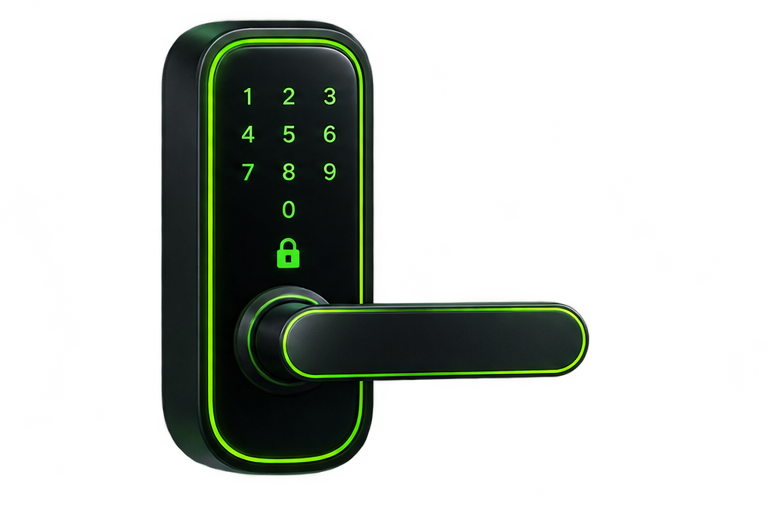
Illustration of a keypad smart lock
Illustrative artwork; not a photograph of a tested product.
Share
Facebook Twitter LinkedIn Pinterest Email

A smart lock should work reliably as a lock before it adds convenience as a connected device. Start with your door’s condition, then check the exact model’s fit and access options. App features cannot compensate for a deadbolt that scrapes the strike plate or a door that needs to be pushed hard to latch.

Check the physical fit first

Measure the door thickness, bore dimensions, and backset using the manufacturer’s template. Confirm whether you have a compatible single-cylinder deadbolt, a mortise lock, or another arrangement. Retrofit devices usually work with particular existing deadbolts; full replacement locks need their own dimensional checks. A product intended for a U.S. door is not guaranteed to fit every U.S. door.

Compare retrofit and replacement locks

OptionWhat changesWhat to verify
RetrofitOften the interior mechanismDeadbolt compatibility and retained key access
Full replacementExterior and interior lock hardwareDoor dimensions, keying, finish, and mounting

Choose access methods for your household

A keypad can let visitors enter without installing an app. A physical key or supported emergency power method can help if batteries fail. Remote control may need Wi-Fi, a bridge, a hub, or a compatible home controller. Bluetooth control near the door does not automatically mean access from another city.

Ask what works when the network is down

Check whether keypad entry, stored codes, and manual operation still work without internet. Keep account recovery information secure, but do not rely on cloud access as your only way in. Use individual guest codes where supported and revoke them when access is no longer needed.

Plan battery care and safe operation

Use the battery type specified by the manufacturer and respond to low-battery warnings. Test the deadbolt with the door open before testing with it closed. Verify that anyone inside can exit normally, including children and guests who may not know the app.

Start with our installation checklist. If you rent, read the renter-friendly security guide before changing hardware.

Share. Facebook Twitter Pinterest LinkedIn Tumblr Email
Previous ArticleHow to Reduce False Alarms in a DIY Security System
Next Article Smart Lock Installation Checklist: Before and After Setup
bmichart
  • Website

Related Posts

DIY Home Security Checklist: Plan Your Setup Step by Step

November 6, 2026

How to Secure Wi-Fi for Your Smart Home

November 6, 2026

Video Doorbell Buying Guide for U.S. Homes and Apartments

November 6, 2026
Add A Comment
Leave A Reply Cancel Reply

Start Your DIY Security Plan

Choose practical protection for your home, budget, and everyday routine.

Read the checklist

Essential Security Guides

Self-Monitoring vs. Professional Monitoring: How to Choose

November 6, 2026

Home Security Costs: Build a Three-Year DIY Budget

November 6, 2026

Renter-Friendly Home Security: Plan a Portable DIY Setup

November 6, 2026
Latest Security Guides

Self-Monitoring vs. Professional Monitoring: How to Choose

By bmichartNovember 6, 2026

Home Security Costs: Build a Three-Year DIY Budget

By bmichartNovember 6, 2026

Renter-Friendly Home Security: Plan a Portable DIY Setup

By bmichartNovember 6, 2026

Build Your Security Plan

Practical DIY guidance for U.S. homeowners and renters.

Start with the checklist

Questions or Corrections?

Email info@martinguard.com. Include the guide URL and keep passwords and access codes private.

Security Planning

Self-Monitoring vs. Professional Monitoring: How to Choose

November 6, 2026

Home Security Costs: Build a Three-Year DIY Budget

November 6, 2026

Renter-Friendly Home Security: Plan a Portable DIY Setup

November 6, 2026
Latest DIY Guides

Self-Monitoring vs. Professional Monitoring: How to Choose

Home Security Costs: Build a Three-Year DIY Budget

Renter-Friendly Home Security: Plan a Portable DIY Setup

Build Your Security Plan

Practical DIY guidance for U.S. homeowners and renters.

Start with the checklist
© 2026 MARTIN GUARD. DIY Home Security Guides.
  • About
  • Editorial Policy
  • Affiliate Disclosure
  • Privacy Policy
  • Contact

Type above and press Enter to search. Press Esc to cancel.